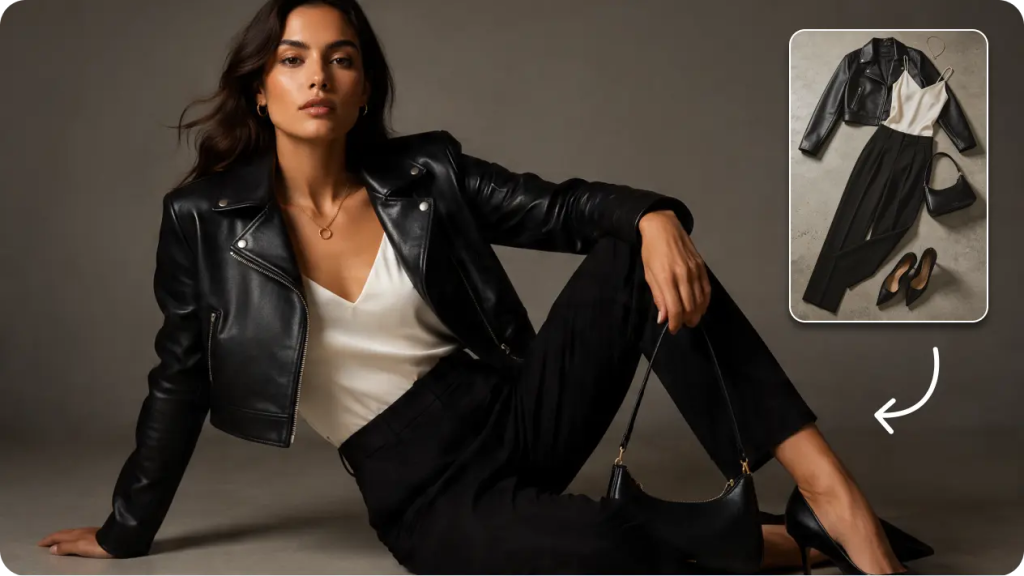
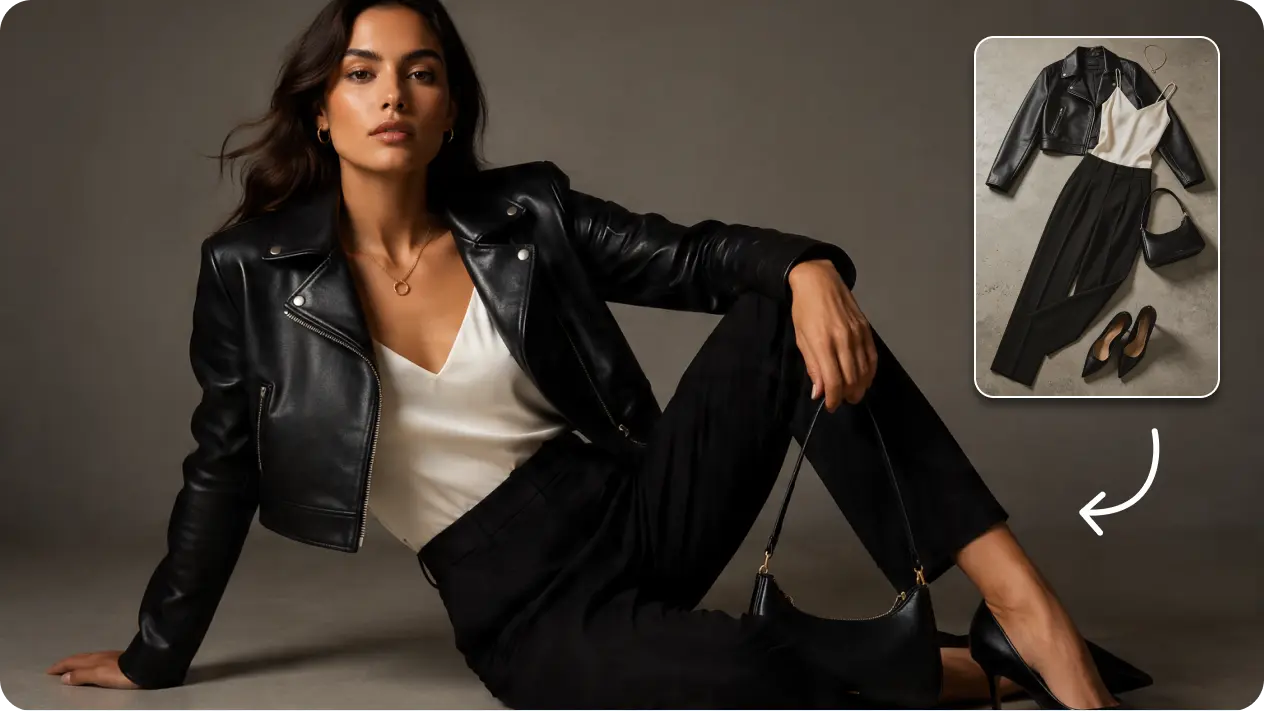
Booking a model, a stylist, and a photographer just to see whether a color combination actually works together is a lot of overhead for what’s essentially a visual test. Stylists, small brands, and fashion students all run into this same bottleneck constantly: the idea exists clearly in the mind, but proving it out visually normally means an expensive, time-consuming shoot. An AI image generator removes that entire barrier, letting an outfit concept go from idea to finished visual without booking a single person or renting a single studio.
Dreamina, powered by its most advanced image generation model, Seedream 5.0 Pro, has become a genuinely practical tool for this kind of styling exploration. Here’s exactly how to visualize an outfit concept convincingly, no photoshoot required.
Why testing outfit ideas visually actually matters
An outfit that sounds great described out loud, “camel blazer, cream turtleneck, wide-leg trousers”, doesn’t always translate the way you’d expect once you actually see it.
Proportions can throw off a silhouette, colors that seemed complementary can clash slightly in practice, and textures that work individually might not photograph well together.
Seeing a concept rendered visually before committing to buying pieces or styling a real shoot catches these issues early, when they’re cheap and easy to fix.
Building an outfit concept piece by piece
Rather than describing an outfit as one vague phrase, it helps to break it down the way a stylist actually thinks:
- The anchor piece — the item the whole look is built around
- Layering elements — what adds structure or dimension
- Color and texture relationships — how pieces interact visually
- The finishing details — accessories, footwear, small styling choices
Working through these categories one at a time, rather than throwing every idea into a single sentence, produces a far more coherent final prompt.
Testing color and texture combinations quickly
One of the biggest advantages of this approach is how cheaply you can test variations. A camel blazer might work beautifully with cream, but does it work as well with a deep burgundy layer instead?
Rather than guessing, generating both versions side by side lets you compare directly, something that would require two entirely separate physical outfits and shoots to test traditionally.
What Seedream 5.0 Pro brings to outfit visualization
A handful of Seedream 5.0 Pro’s specific capabilities support this kind of styling exploration particularly well.
Multi-layer visual control for isolated garment swaps
Multi-layer visual control separates the subject, clothing, and background into independent components, making it genuinely practical to swap one garment piece while keeping the pose, setting, and rest of the outfit unchanged.
Pinpoint precision editing for fit and detail accuracy
With point selection, lasso, sketch guidance, and regional controls, pinpoint precision editing lets you fine-tune how a specific garment fits or drapes without regenerating the entire look.
2K output for fabric and texture clarity
Since evaluating an outfit concept depends heavily on seeing fabric texture and drape clearly, 2K output quality ensures those details are actually visible rather than blurred into a vague impression.
Built-in online research for current styling trends
Built-in online research pulls in live web context, helping keep styling choices feeling current and aligned with what’s actually trending rather than relying on outdated fashion references.
Your 3-step outfit visualization with Dreamina
Once you’ve broken down your concept, here’s exactly how to bring it to life.
Step 1: Write a text prompt and/or add a reference image
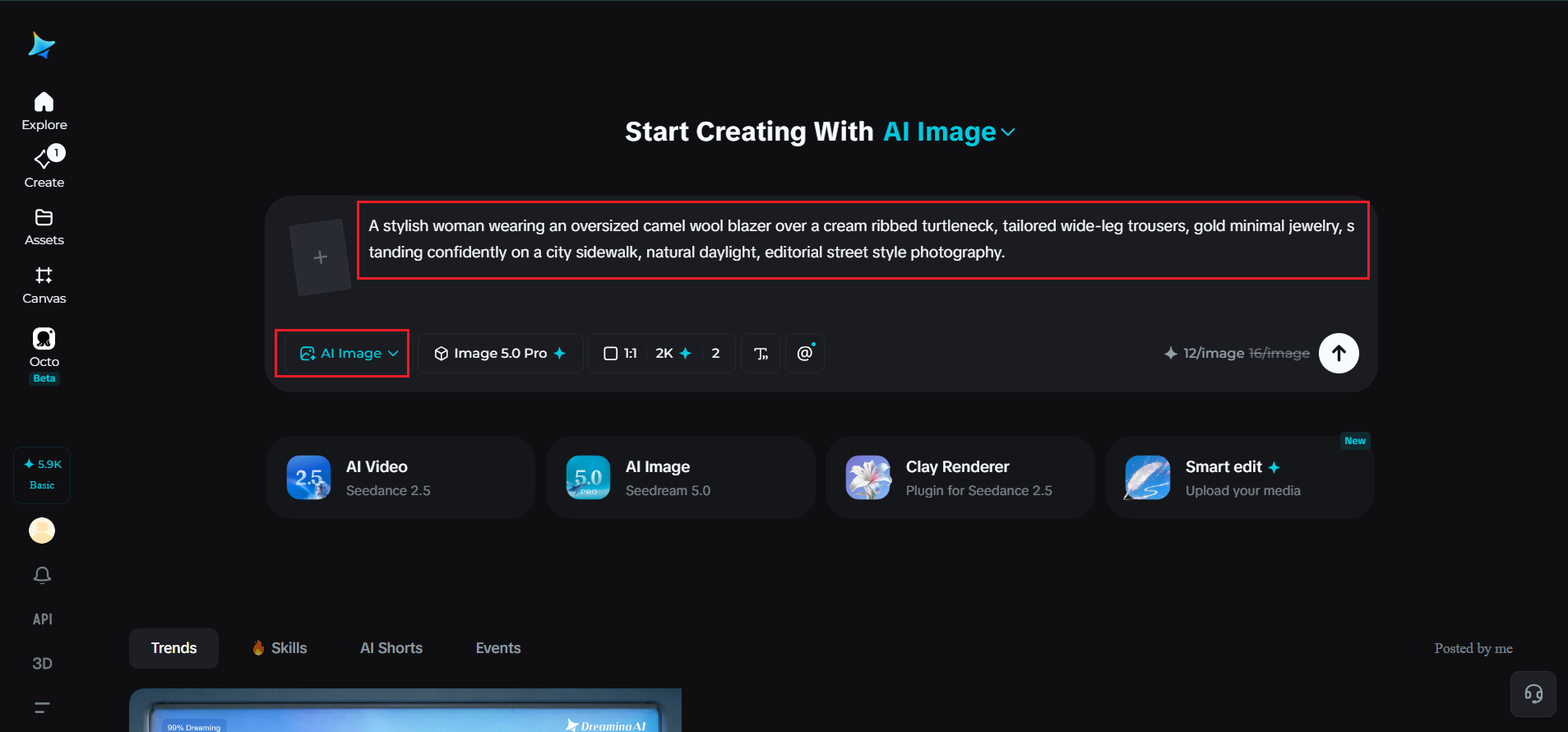
Navigate to Dreamina and write a detailed text prompt describing a person wearing the outfit concept you’ve built, including the anchor piece, layering, color relationships, and finishing details. If you have a reference image of individual pieces or a similar styling aesthetic, upload it to guide the generation further.
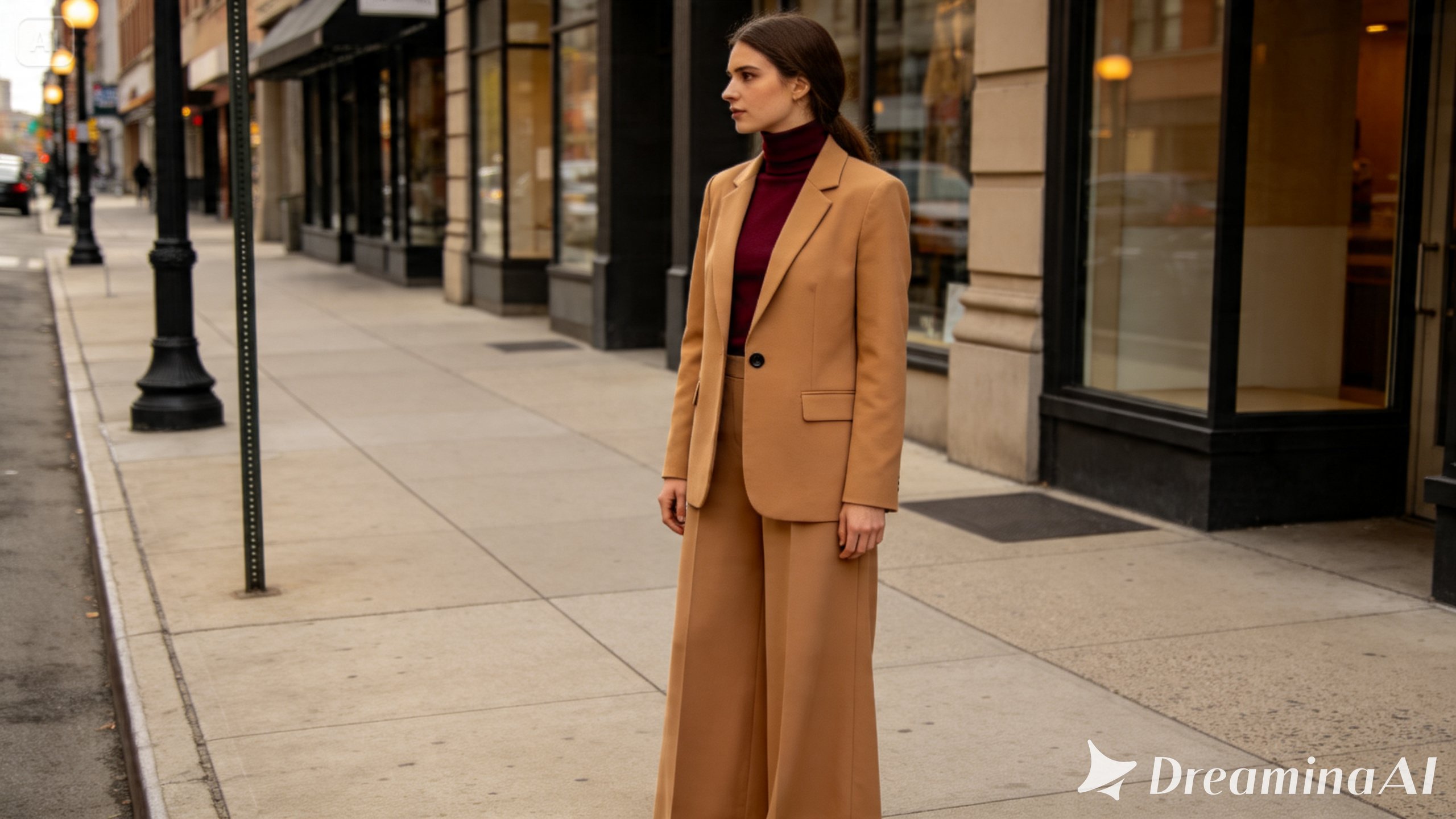
A strong sample prompt might read: A stylish woman wearing an oversized camel wool blazer over a cream ribbed turtleneck, tailored wide-leg trousers, gold minimal jewelry, standing confidently on a city sidewalk, natural daylight, editorial street style photography.
Breaking the outfit into its individual pieces within the prompt, rather than a vague overall description, produces far more accurate styling results.
Step 2: Adjust parameters and generate
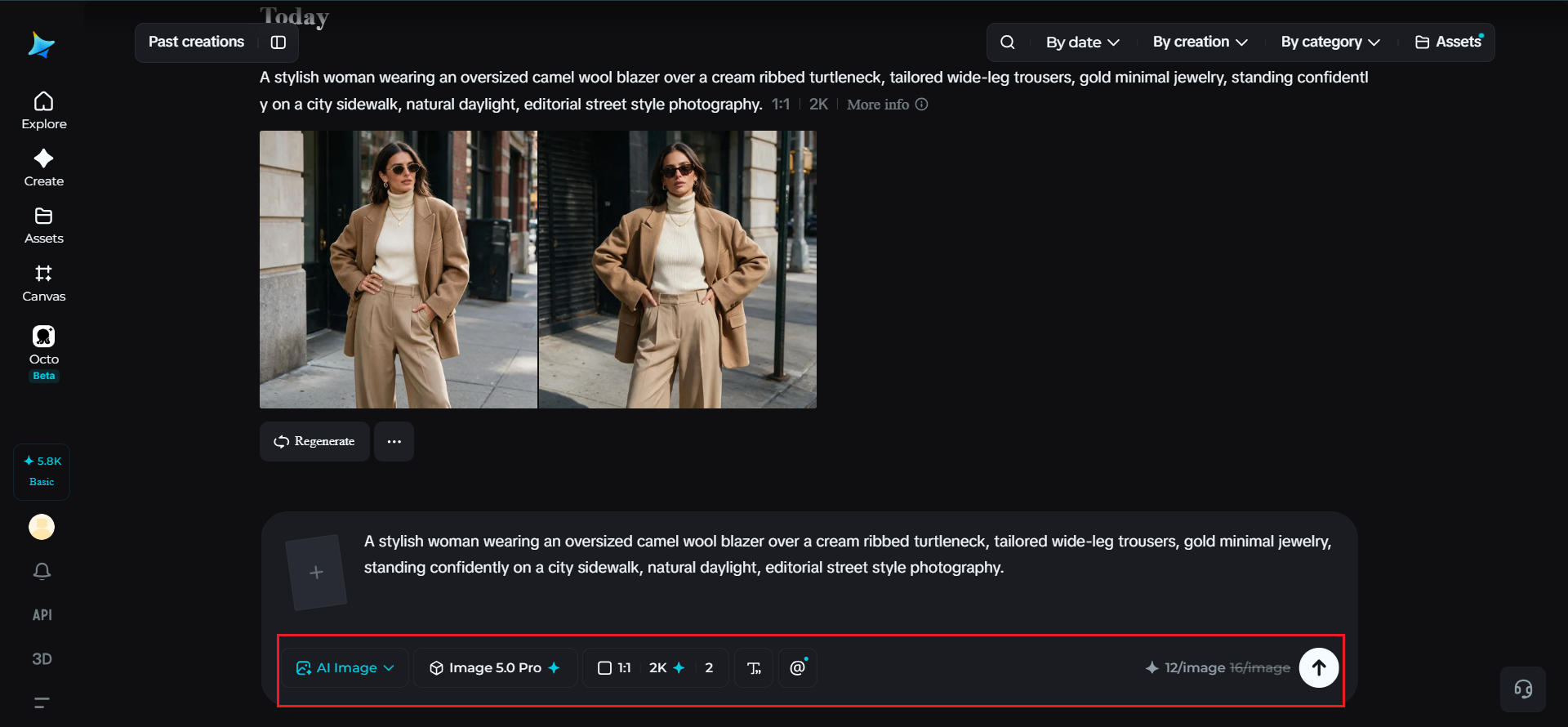
Before generating, set your parameters. Choose Image 5.0 Pro, powered by Seedream 5.0 Pro, as your model, then select your aspect ratio, image size, and resolution, using a full-body portrait ratio to show the entire outfit clearly and 2K resolution to keep fabric texture and detail sharp. Click Dreamina’s generate icon to produce your outfit visualization.
Step 3: Customize and download
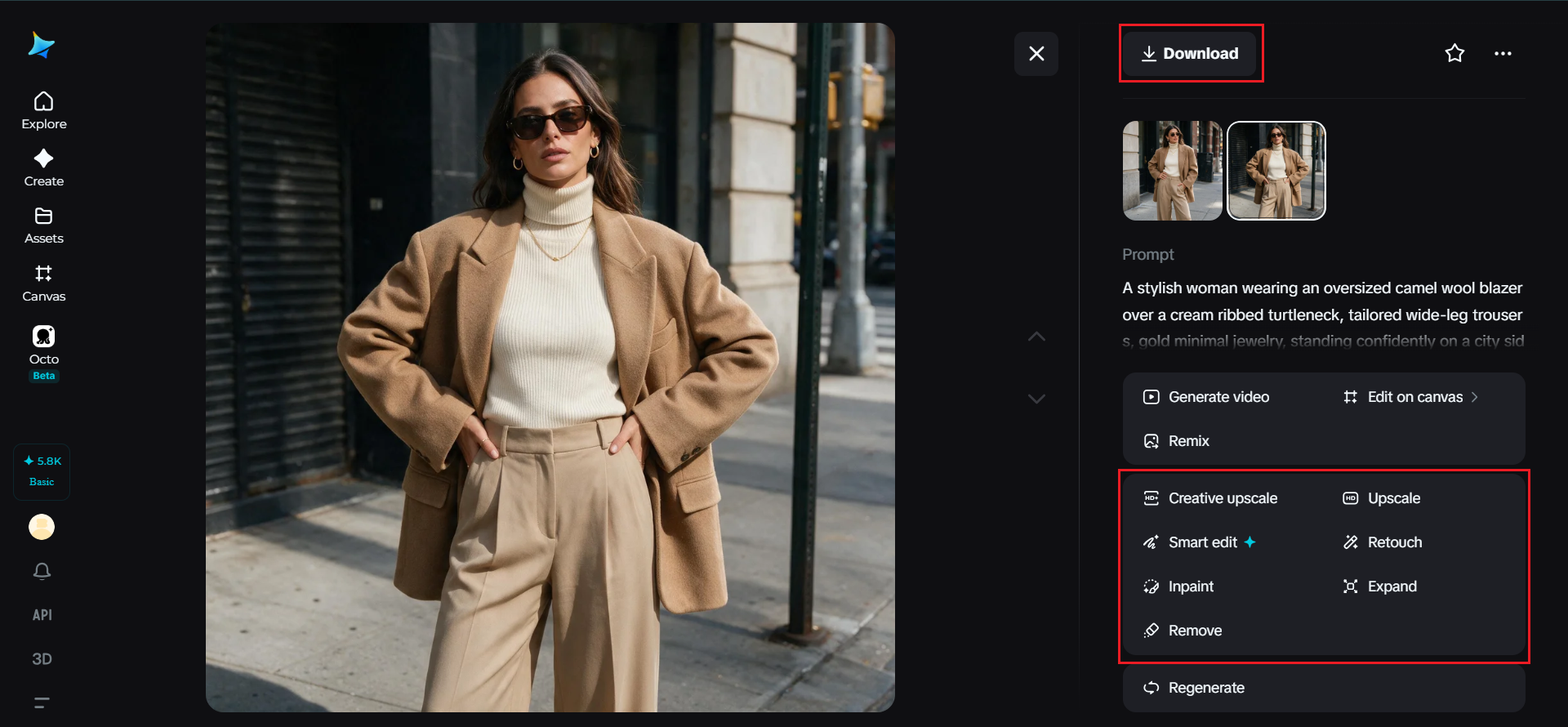
Once your outfit concept generates, refine it using Dreamina’s AI customization tools — inpaint to adjust a specific garment detail or fit, expand to reveal more of the styling context, remove to eliminate anything distracting from the outfit itself, and retouch to balance overall color and lighting. When the look reads clearly and cohesively, click the Download icon to save it.
Generating multiple styling directions from one base look
Once a core outfit concept works, it’s often worth testing how small swaps change the overall feel, a different shoe style, a swapped outerwear piece, an alternate color story. Keeping the core outfit description consistent while changing just one element at a time makes it easy to isolate exactly what each styling choice contributes to the final look.
From concept to actual shopping list
Once a visualized outfit concept feels right, it becomes a genuinely useful reference for actual shopping or styling decisions, a clear visual target rather than a vague mental image. Some stylists and shoppers even use the generated image directly as a mood reference when searching for real pieces that match the color, silhouette, and texture shown.
Final thoughts
Testing whether an outfit idea actually works no longer requires booking an entire photoshoot, just a clear breakdown of the pieces involved and the right AI image generator to visualize it. With Dreamina and its advanced Seedream 5.0 Pro model, styling concepts move from a mental image to a genuine visual test in minutes.
Break your outfit down piece by piece, test your color combinations freely, and let Dreamina show you exactly how the look comes together.